
In this guide
LOCALTR / DOCS
Local HTTPS and certificate trust
Understand local root CA trust, administrator approval and why other devices need their own setup.
- Environment
- Installed LocalTR · local CA trust approval
- Evidence scope
- Explanatory app guide; check the steps separately on your installed Mac release.
- Expected outcome
- Separate certificate generation from browser trust; check HTTPS behavior on your own client.
What are you installing?
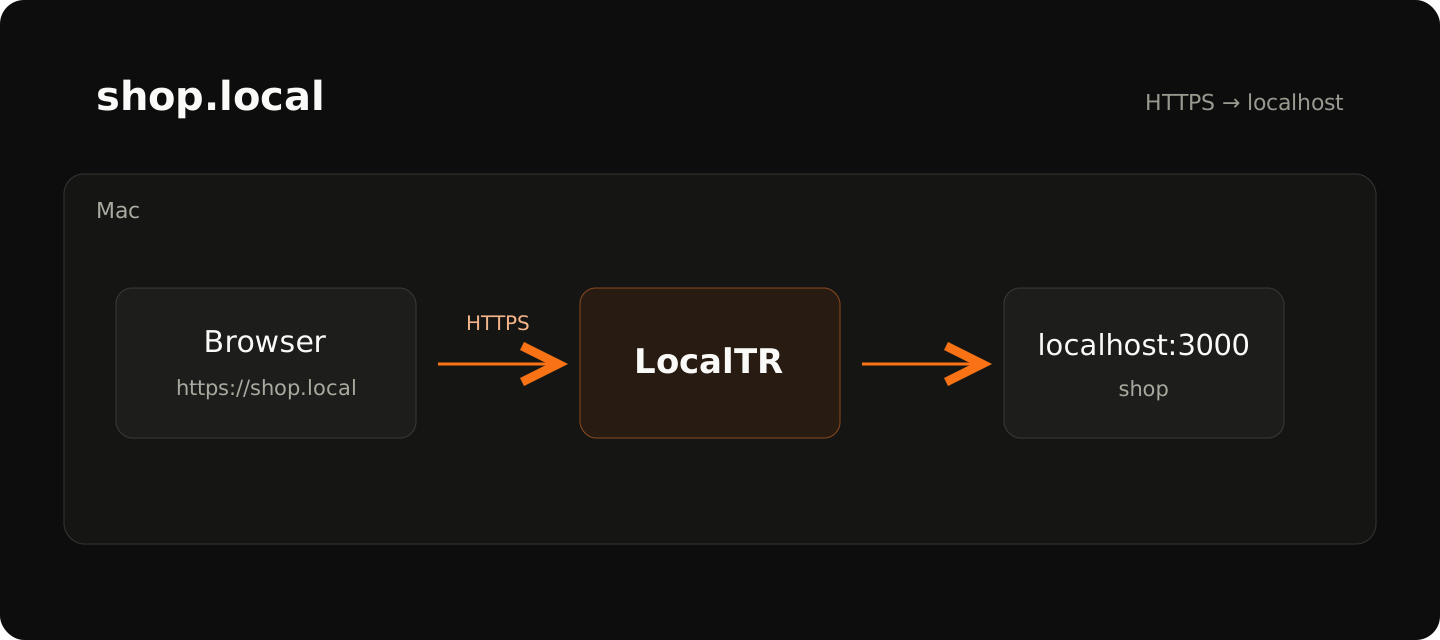
LocalTR creates a root certificate authority (CA) on your Mac for local HTTPS. Making browsers trust that authority is a separate macOS trust step. A generated certificate does not mean system trust has been established.
Setup order
- Verify your local domain over HTTP first. HTTPS cannot repair a wrong port mapping.
- Start LocalTR's local HTTPS trust setup. Review the certificate and publisher information when macOS requests administrator approval.
- After approval, open the same domain with
https://. Check that the address bar contains the intended hostname. - If the browser warns about the certificate, read the details. An incorrect name, untrusted authority and date error have different causes. Permanently bypassing the warning is not a fix.
Expected result
The local domain opens over HTTPS on the Mac where trust was installed. A public URL's internet certificate and relay data path are separate. The LocalTR root CA is not a publicly trusted internet certificate authority.
Other devices and checks before removing trust
Installing trust on your Mac does not install trust on an iPhone, Android device or another Mac. That device must resolve the name and trust the relevant CA. This guide does not promise unconditional access from every phone.
Do not share the root CA private key, the complete Application Support folder or a Keychain export. Before removing trust, close active local HTTPS connections and establish that the target CA record belongs to LocalTR. Leave other tools' CAs alone.
These are safety prechecks, rather than a complete removal procedure. Review the pre-removal checks; ask support about certificate renewal, unclear ownership or trust-removal steps for your version.
Does a step look different?
Contact support with your app version