
LOCALTR / FEATURES
Local HTTPS, project sharing and HTTP inspection. One Mac app.
Give your project a .local address, share a running HTTP service and inspect incoming requests.
macOS 14+ · Downloads are in preparation. Verify your email for one notification when they open.
Free locally. Public sharing when you need it.
- Free local tools
- Local domains, local HTTPS and the HTTP inspector.
- 7-day public trial
- Share a running HTTP service online for demos and tests.
- Annual Pro
- 1 developer · 2 Macs · 1 concurrent public URL per Mac
Public sharing requires Pro after the trial. Purchasing is not open yet. Requesting a notification, the sample demo and free tools do not start your trial.
Three steps, one project.
Name the project → share it carefully → inspect the incoming request. See the native interface and open the guide for each step.
Free local tools
Remember the project, not the port.
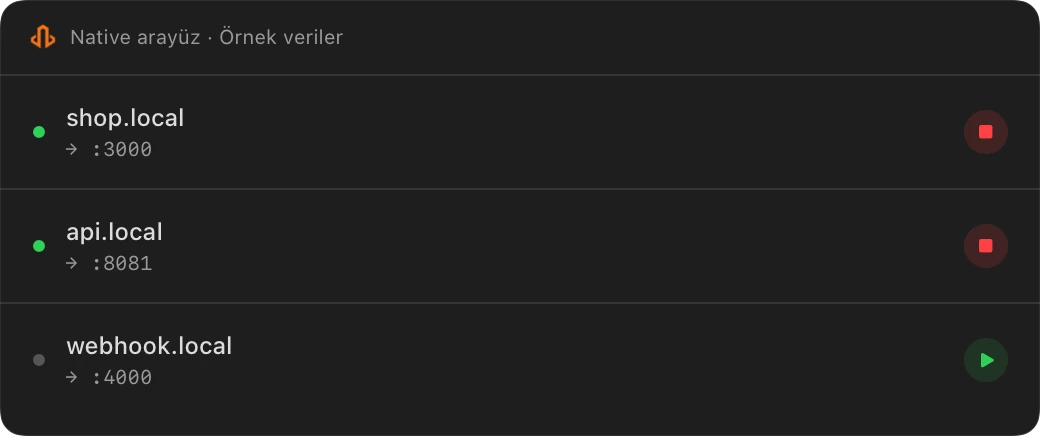
Organize local services with .local names. Set up local CA trust to use HTTPS, and manage project names and port mappings together.
7-day public trial → annual Pro
Let the other person open the demo.
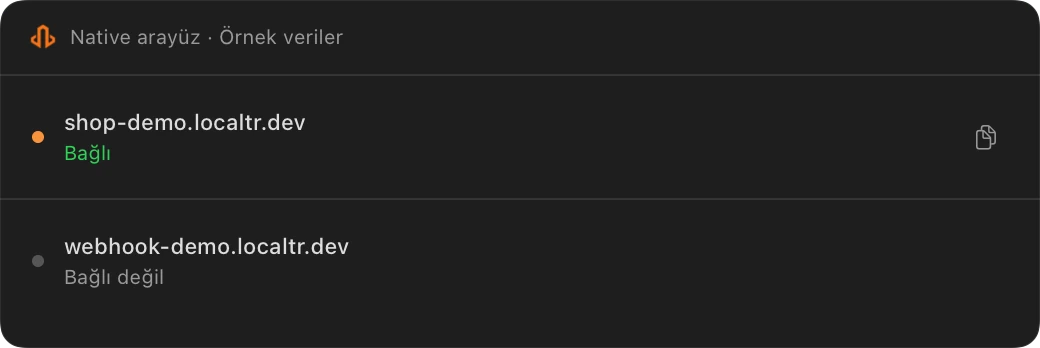
Share a running HTTP service through *.localtr.dev. Add a password or pause new requests. Your Mac, LocalTR and local service stay online, with 1 concurrent public tunnel per Mac.
Free local tools
Open the request behind the response.
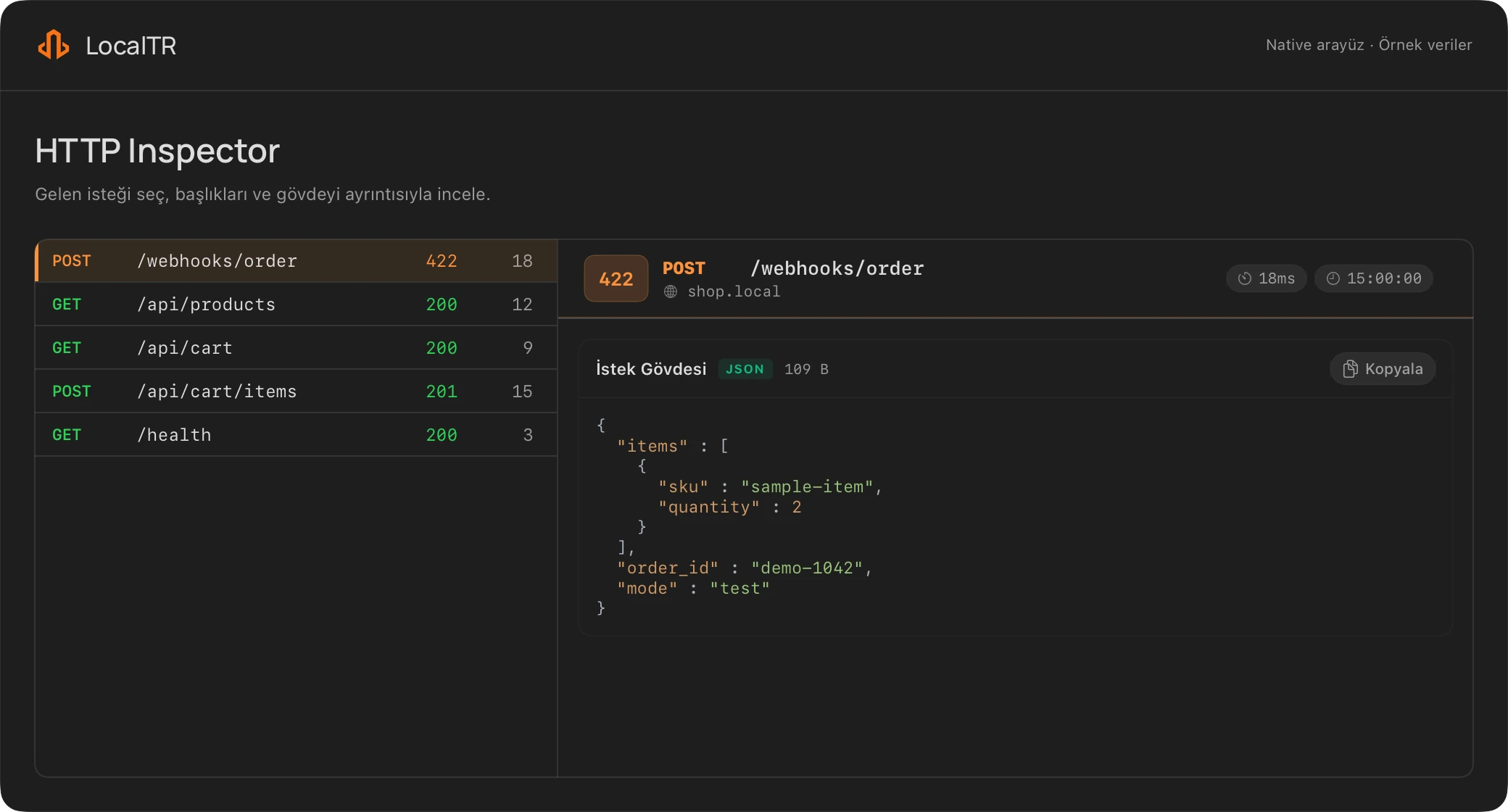
Inspect HTTP headers and bodies alongside the response. Edit and replay a controlled test request from the detail panel. Replay sends a real HTTP request and can cause effects at the target.
WITHOUT INSTALLING LOCALTR
Prepare your first test today.
Work with sample data without an account or the Mac installer. These options do not open a public tunnel or start a trial.
- Inspect an HTTP text sample in your browser
Parses the text you paste; it sends no HTTP requests. This differs from native replay.
- Get a webhook example to run locally
A downloadable Node.js test endpoint. Follow the instructions to run it on your own computer.
- Prepare your demo checklist
Work through access and test-data checks before sharing.
For HTTP demos and test sharing.
A public URL gives controlled access to the HTTP service running on your Mac. Check the scope before you share:
- Public SSE/WebSocket support is not promised. Local WebSocket support does not establish public streaming support.
- General TCP/UDP tunnels and bring-your-own domains are outside this release’s scope.
- There are no offline snapshots or permanent hosting; the project runs on your Mac.
What to know for your own project.
Which Mac and permissions do I need?
macOS 14 or later is required. The helper for local addresses and local CA trust for HTTPS may need administrator approval. Check the available package’s architecture on the download page; creating a certificate alone does not establish browser trust.
Is my .local address reachable online?
Adding a local name alone does not expose it to the internet. Public sharing uses a separate *.localtr.dev link. Your Mac, internet connection, LocalTR and local HTTP service must stay online while you share.
Where does public sharing traffic go?
The visitor’s HTTP request and response pass through the LocalTR relay to the service on your Mac; headers and bodies can be included. This is not a source-code upload flow. There is no guarantee of end-to-end encryption unreadable by the relay or zero server data transit.
Can I share HTTP captures directly?
Captures are stored on your Mac and can include headers and bodies. Selected headers and certain JSON/form fields are redacted; not every query parameter or secret in free text is removed automatically. Review a capture before exporting it or sharing it with support.
LOCALTR / macOS 14+
Know when Mac downloads open.
Confirm your email address first. Get one notification when downloads open; this does not start a trial.