Use project names, not port numbers.
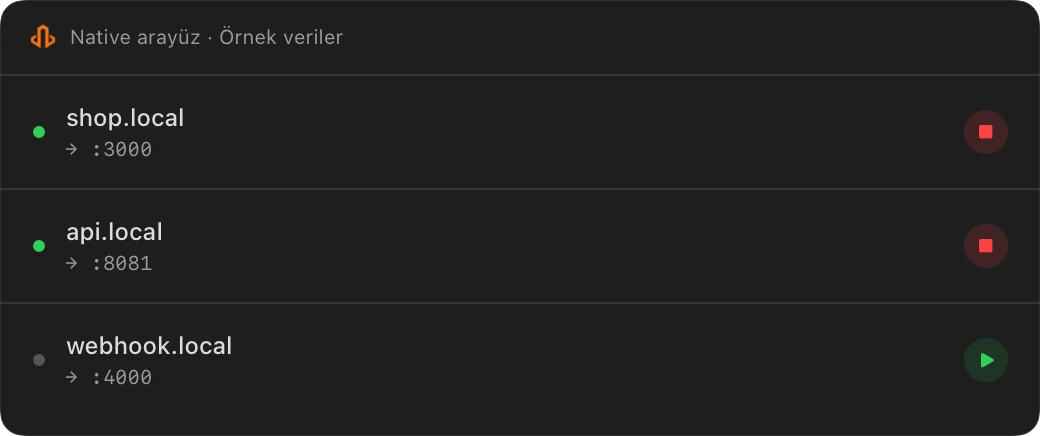
Shop, API, webhook. Give each service a .local address. Follow the certificate setup guide for workflows that need local HTTPS.
Local HTTPS, public sharing and an HTTP inspector. Your development workflow in one Mac app.
Local domains, HTTPS and the inspector are free on Mac. Public sharing: a 7-day trial, then annual Pro.
 Interactive demo
localhost:3000shop-demo.localtr.devlocalhost:3000Share while your Mac and LocalTR are running.
Your local address and public link serve different needs. Choose how to access your project.
Shop, API, webhook. Give each service a .local address. Follow the certificate setup guide for workflows that need local HTTPS.
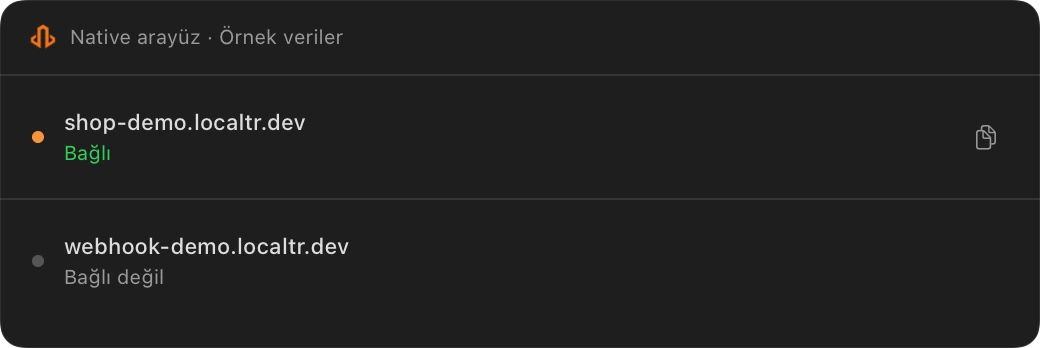
Create a public URL for a running project. Send a client demo, receive webhooks and protect the link with a password. Your project runs on your Mac.
When a webhook behaves unexpectedly, open its headers, body and response together. Edit the request and inspect the new response.
Explore traffic inspection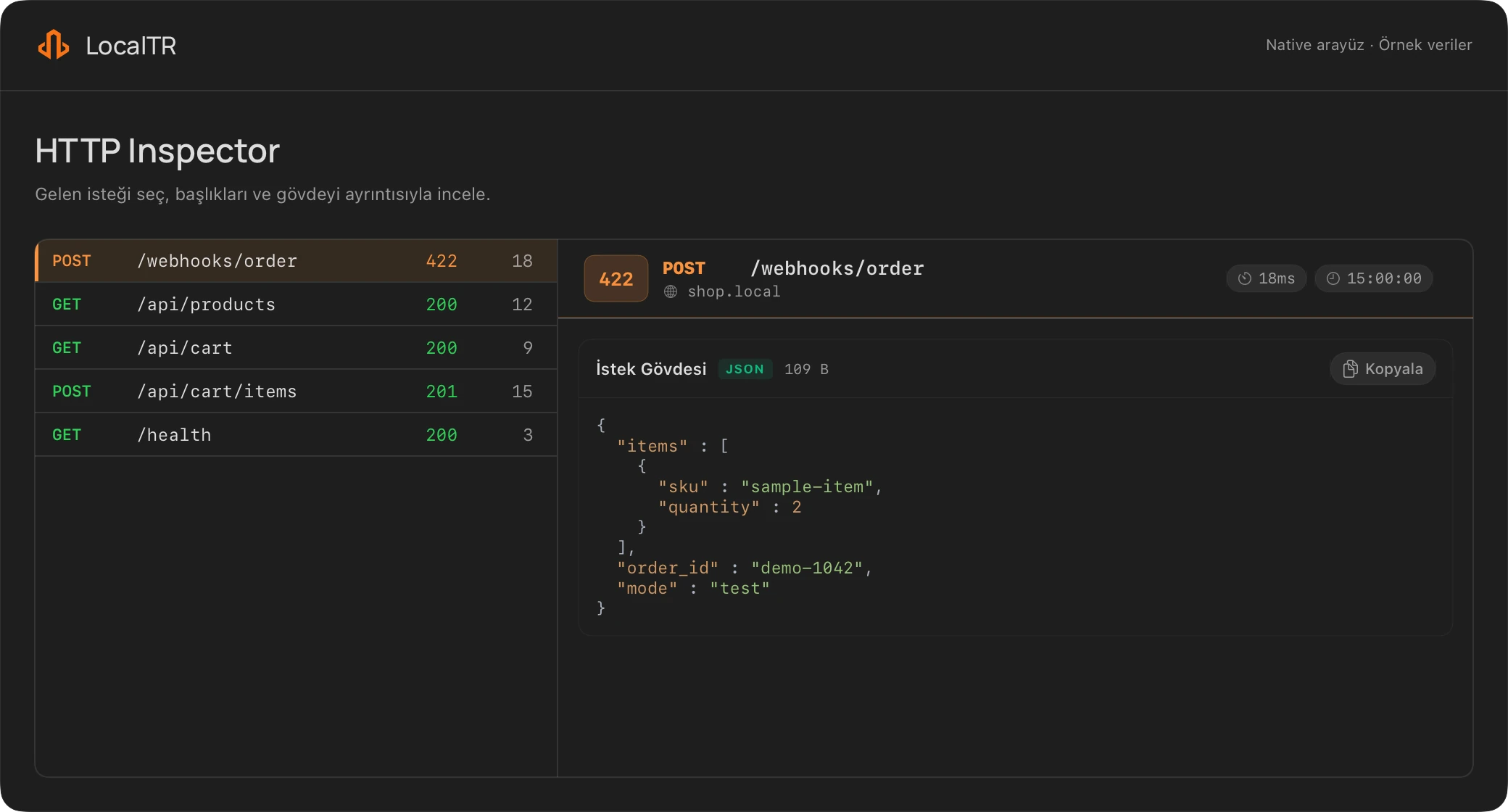
Inspect an HTTP sample, complete your demo checklist or get a webhook example. Free; no account required.
Open free developer toolsWhen the installer is ready, follow the steps below. For now, try the free developer tools; no installation or account required.
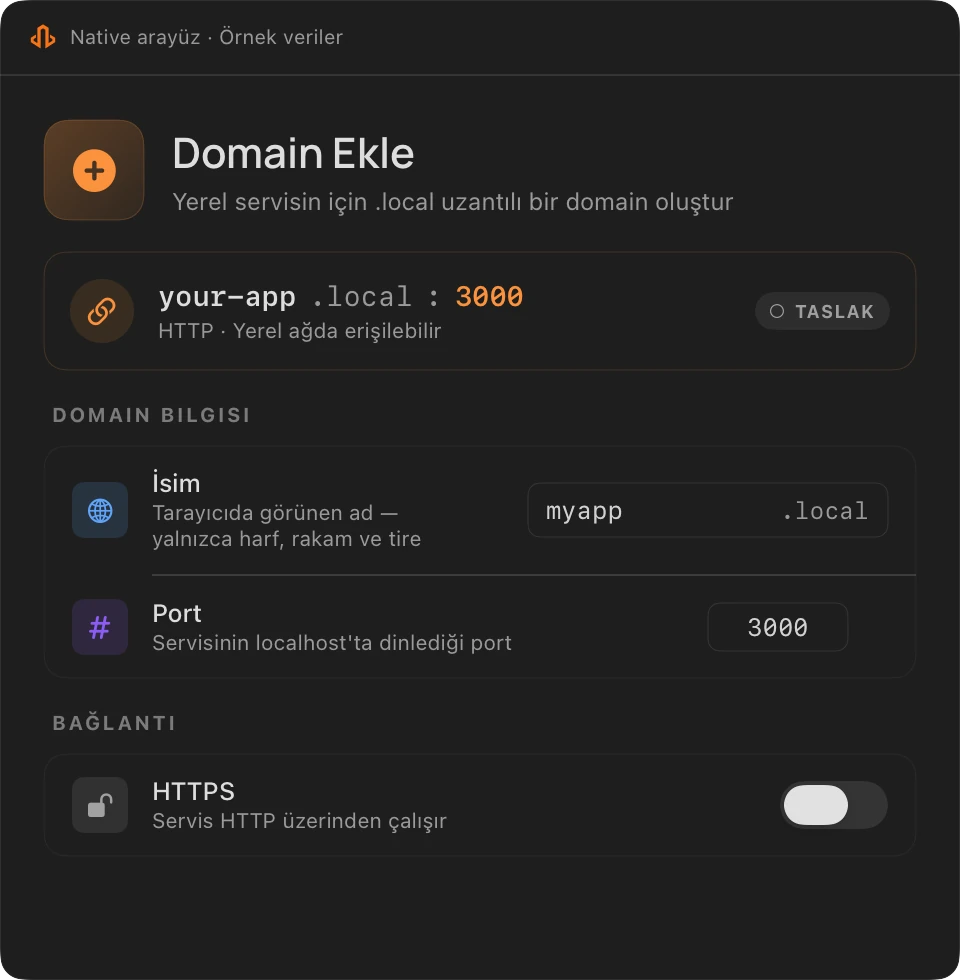
Install the Mac app. Follow the guide for the macOS helper and local HTTPS trust approvals.
Enter your running service’s port and a memorable project name. Enable HTTPS after setting up trust.
Open requests or create a Public URL during the trial.
Local domains, HTTPS and the HTTP inspector are free on Mac. After the 7-day public sharing trial, continue with annual Pro.
Compare plansInternational annual offer
A live Public URL connects to the app running on your internet-connected Mac. Your project is not served when your Mac or LocalTR is off.
Yes. Adding the local root certificate to macOS trust and installing the helper require system approval. The setup guide explains the steps.
The current scope supports chosen subdomains under localtr.dev. Bring-your-own domains are not available.
Public sharing requires Pro after the 7-day trial. Local domains, local HTTPS and the HTTP inspector remain free. Requesting a notification or using the browser demo does not start your trial.
HTTP requests and responses for a Public URL pass through the relay to your project on your Mac. Explore security and data flow.

Get one email when the Mac installer becomes available. Explore the sample workflow without an account while you wait.
Try the sample workflow in your browser