
LOCALTR / macOS 14+
Share a demo, inspect a webhook, name your services.
Three development workflows with local HTTPS, controlled public sharing and the HTTP inspector for Mac.
Prepare today with guides, a checklist and local examples; get notified when downloads open.
Free locally. A trial for public sharing, then Pro.
- Free local tools
- Local names, HTTPS and the HTTP inspector.
- 7-day public trial
- Evaluate online access for demos and tests.
- Annual Pro
- 1 developer · 2 Macs · 1 concurrent public URL per Mac
Public sharing requires Pro after the trial. Purchasing is not open yet. Notifications, the browser demo and free examples do not start a trial. The trial start and end will be explained when Mac downloads open.
01 / DEMO
A live client demo
Public sharing: active 7-day trial or Pro
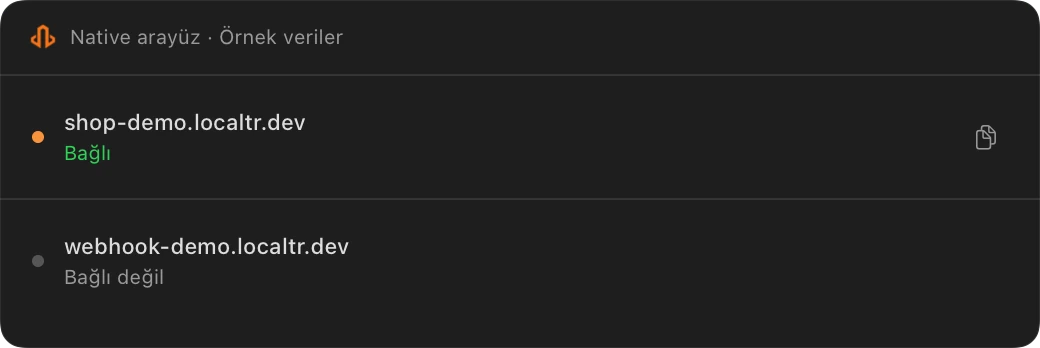
Share a running test app with sample data and access controls. The visitor opens the public URL in a normal browser.
- Verify the local service and core demo flow.
- Open a public URL and add a password if needed.
- Test from another network and close the link after the meeting.
Expected result
A visitor on another network sees the right sample content. After closing the link, check that a new request no longer serves your app.
What must stay online, and where does traffic go?
Your Mac, internet connection, LocalTR and local HTTP service stay online; there is no offline hosting. Public requests and responses pass through the relay and can include headers and bodies. Source code is not uploaded. Each Mac has 1 concurrent public URL; share test data only.
Review public sharing security and data flow02 / DEBUG
Reproduce a webhook failure
Local inspector is free · public access needs an active trial or Pro
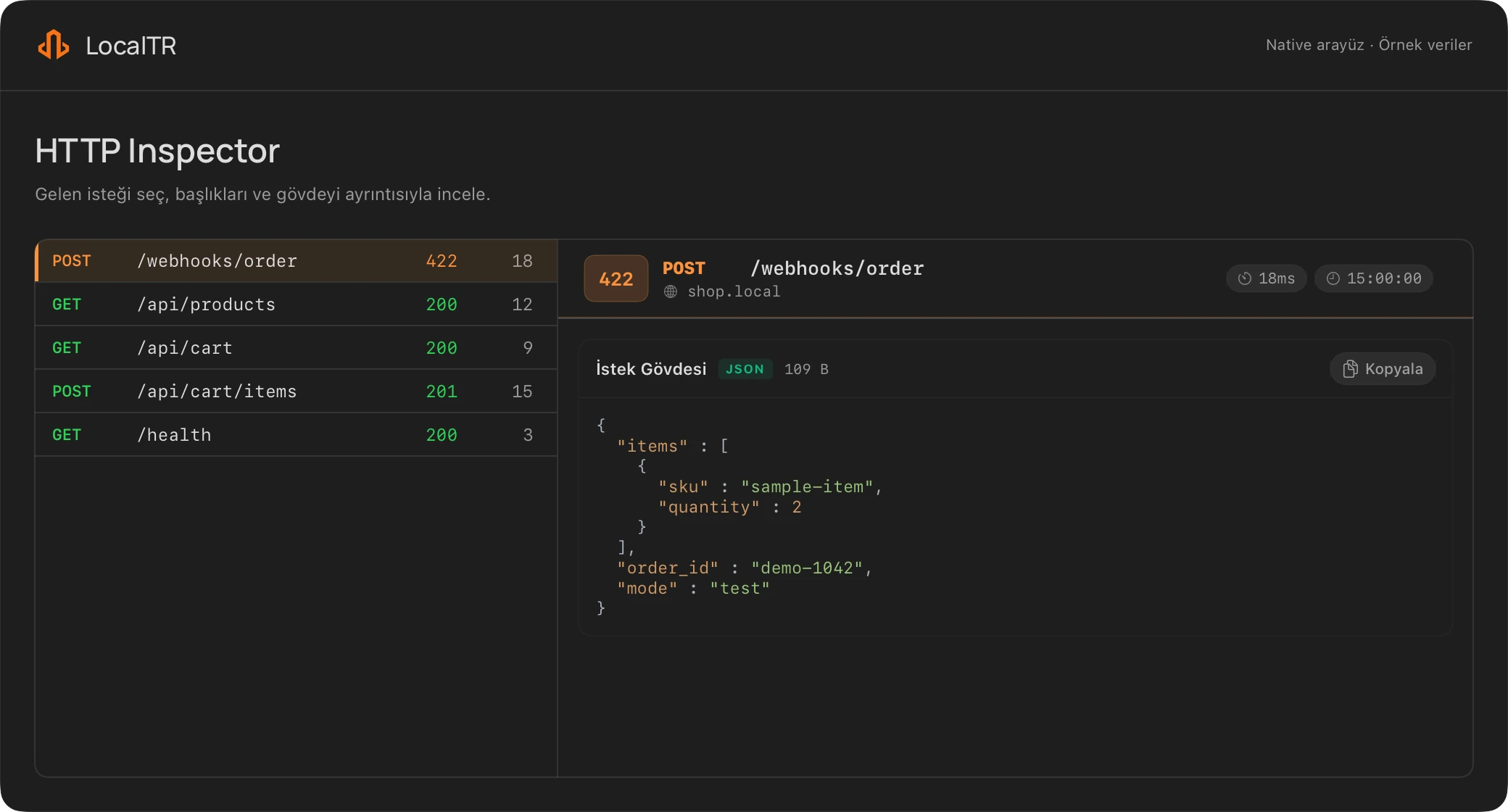
Trace where a test notification arrived and why it was rejected through its request and response. These steps use native LocalTR; the separate local example can be run today.
- Make your own test endpoint reachable over public HTTP.
- Match the request and response in the inspector.
- Try one controlled change using detail-panel Replay.
Expected result
Compare the new response with the earlier request. In the supplied Node.js/Laravel fixtures only, a missing field gives 422 and adding that field gives 200; establish the expected response for your own endpoint.
What should I check before replaying or sharing captures?
Replay sends a real HTTP request and can cause effects at the target. Your app validates provider signatures; an edited body may no longer match the original signature. Redaction does not remove every query parameter or secret in free text. Use a controlled test target instead of real payments, email or customer data.
Read capture storage and data limits03 / DEVELOP
Name your local services
Free local tools: naming, HTTPS and inspector
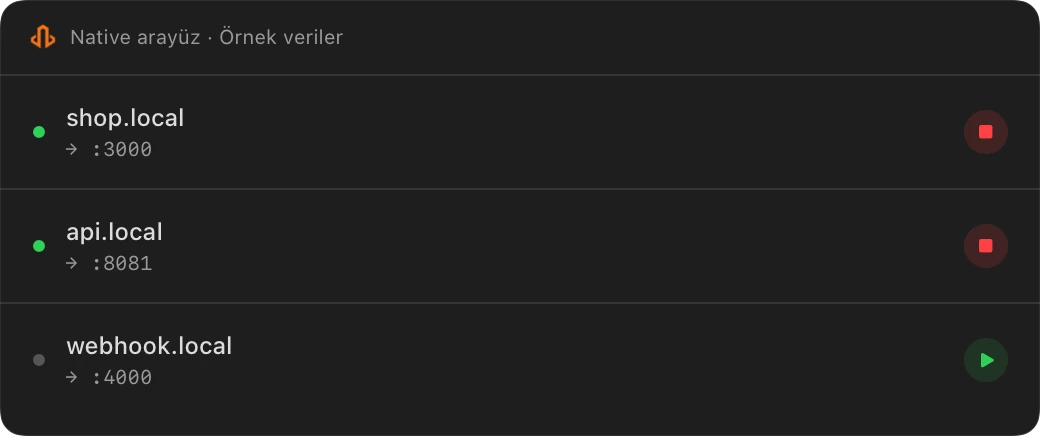
Keep track of frontend, API and other services by name instead of port number. Check each app’s address and HTTPS origin separately.
- Identify the actual port of each app.
- Map distinct .local names to those ports.
- Set up HTTPS trust and test each origin separately.
Expected result
Verify the chain from a sample shop.local name to your service’s actual port and the correct HTTPS origin. Check the page, assets, callbacks and cookies in the browser; bypassing a security warning is not success.
Does .local expose my app online, and which approvals do I need?
A local name alone does not expose your app to the internet. The local-address helper and CA trust for HTTPS may need administrator approval. Multiple local names do not mean multiple concurrent public tunnels. Public access uses a separate sharing link and needs an eligible trial or Pro.
Review helper, CA trust and installation approvalsLOCALTR / macOS 14+
Know when Mac downloads open.
Confirm your email first for one optional launch notification. Requesting a notification does not start a trial.