
LOCALTR / LOCAL HTTPS
Give your local project a proper address.
Work with memorable .local names. Set up certificate trust and inspect HTTPS behavior while you develop.
https://shop.localBrowser
Local proxy + TLSOn your Mac
localhost:3000Your application
An explanatory flow example; not an application screenshot.
Name, port, trust.
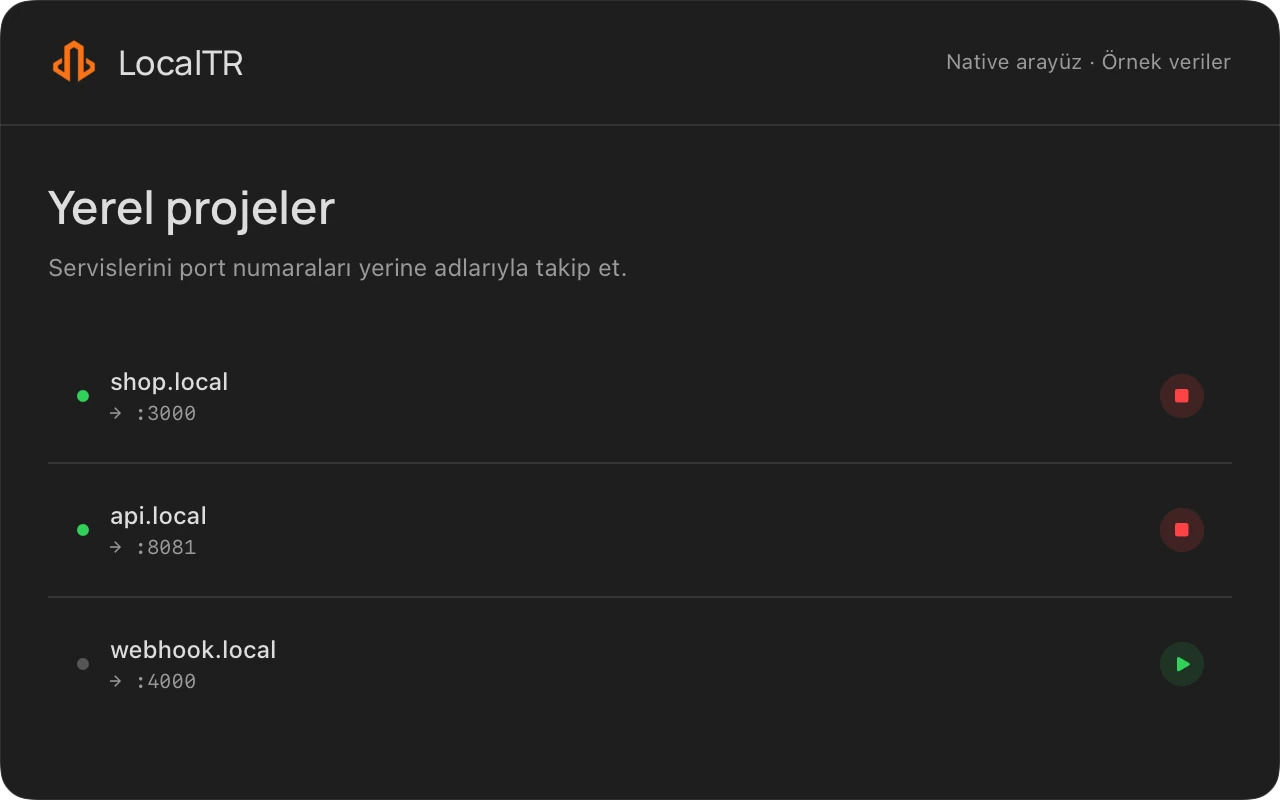
Map a memorable name to the correct port for each local service. After trust is set up, inspect cookies and redirects at the named HTTPS address.
- Start your development server and check its direct localhost address.
- Add the local domain and complete the required helper approval.
- Install local root CA trust, then test the HTTPS address in a browser.
LOCALTR / macOS 14+