
LOCALTR / HTTP INSPECTION
See the request. Understand the result.
Review methods, headers, bodies and responses together. Edit a controlled test request and send an actual replay.
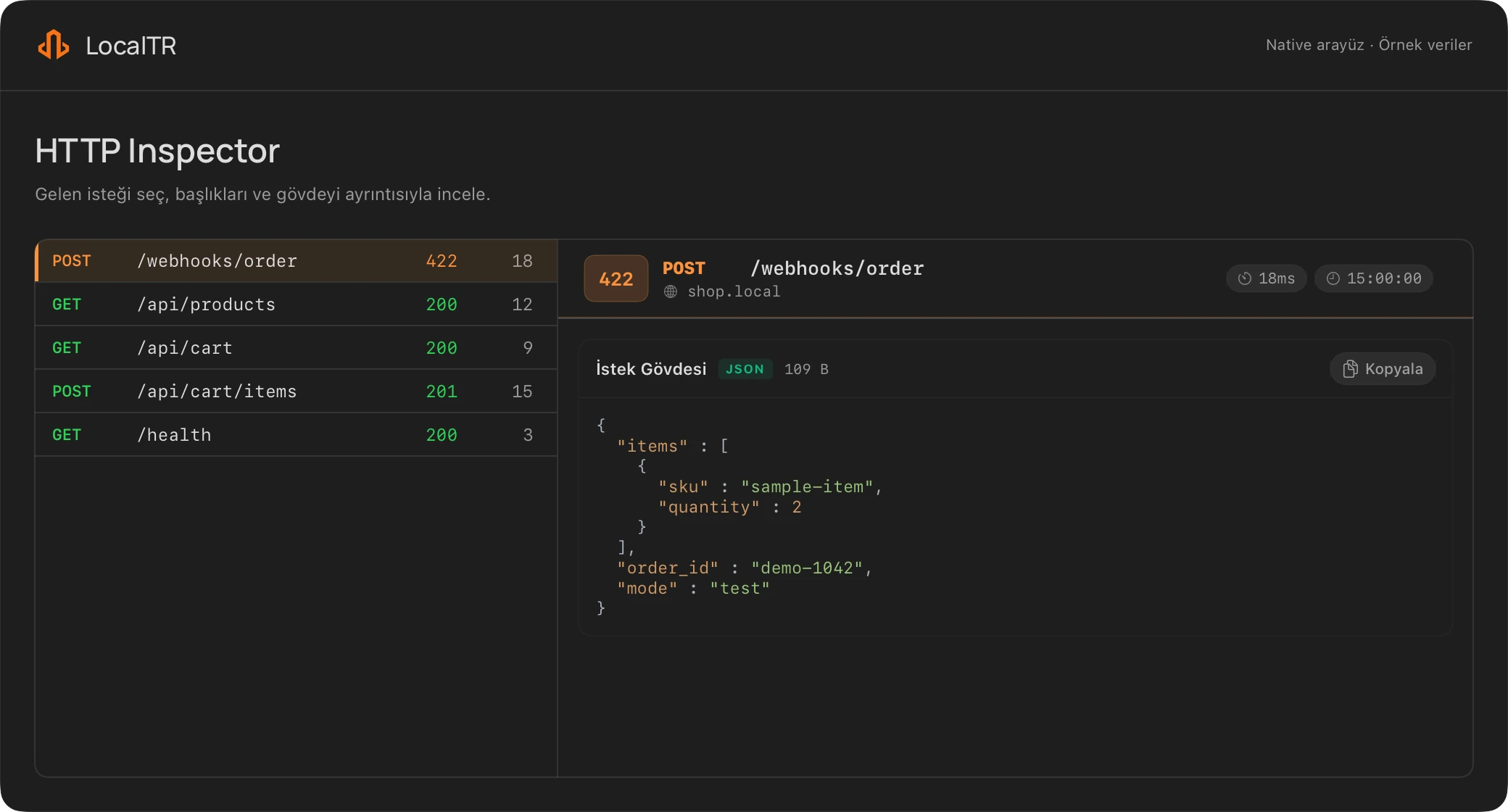
One capture. Both sides.
Match the outgoing request with its response. Investigate the route, headers and body.
POST /hooks/demo HTTP/1.1
Content-Type: application/json
Authorization: [redacted]

{"event":"demo.updated"}200 OKInspect request text today
The browser tool parses text in this tab without sending it. The runnable webhook starter produces 422 and 200 responses on your own computer. Native Replay is a separate real HTTP request.
Open the request and response together
Inspect method, path, status, duration, headers and body. Match the data reaching your endpoint with the response it returned.
Edit and send to a test endpoint
Replay in the detail panel lets you edit the target, headers and body before sending a real HTTP request. Make a controlled change and inspect the new response.
Use a test endpoint: replay can cause real operations or notifications.
Review the result and share deliberately
Copy cURL or generate Postman JSON from the list menu. Review the capture before sharing it.
Selected sensitive headers and some JSON/form fields are redacted. Not every secret or personal field is guaranteed to be removed.
LOCALTR / macOS 14+